Most VPN reviews check if your IP is hidden and stop there. They skip a leak type that’s quietly caused problems for VPN users for years: IPv6. We connected to NordVPN and tested for exactly that.
The Direct Answer
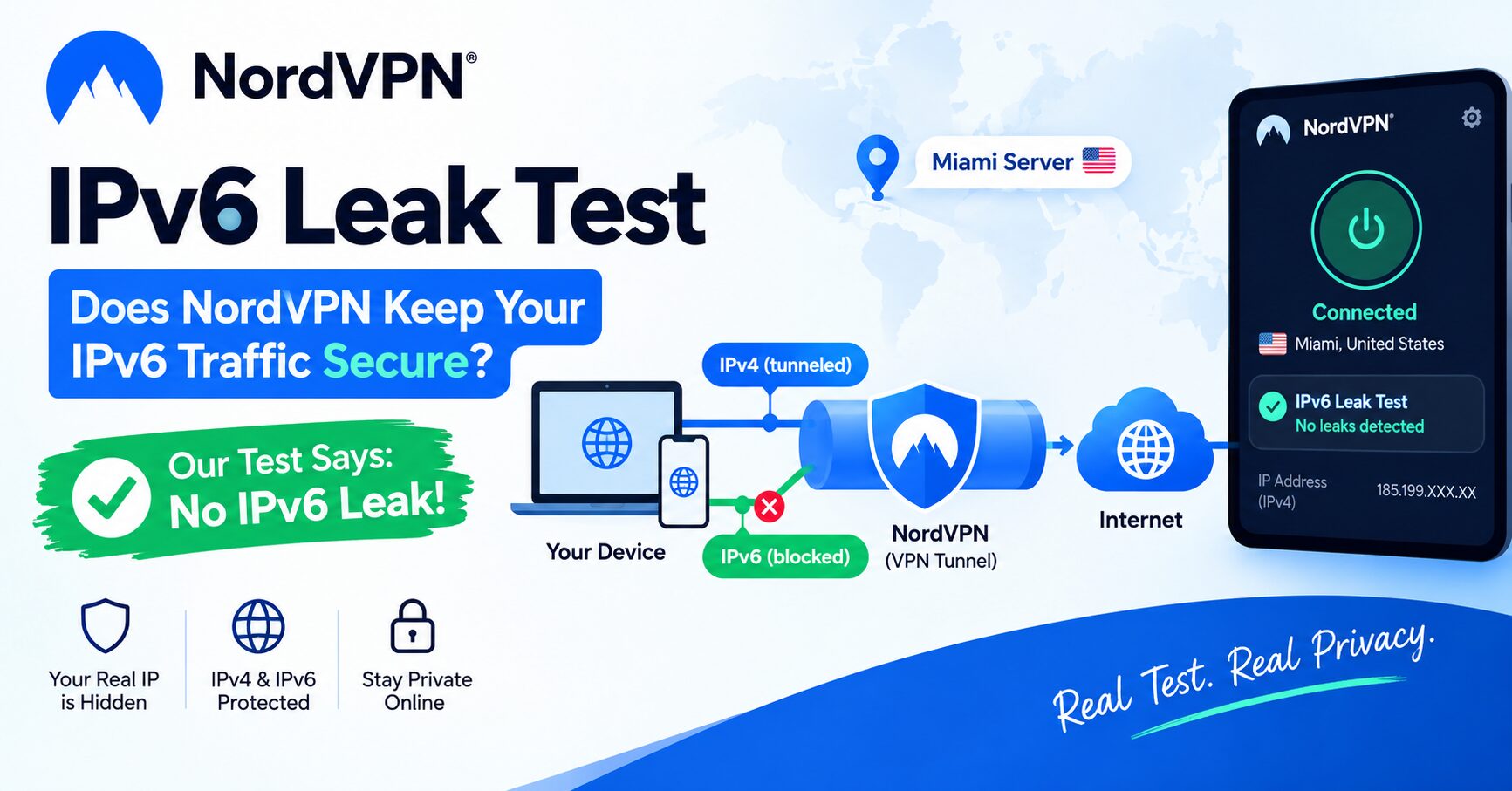
In our test, connected to NordVPN’s Miami server, IPv6 was not leaking. The test came back clean.
What an IPv6 Leak Actually Is
Most VPN apps are built to tunnel IPv4 traffic, the older, more common addressing system. IPv6 is the newer standard, and a lot of home networks and mobile carriers already support it alongside IPv4. If a VPN only routes IPv4 through its tunnel and ignores IPv6, your device can quietly keep sending IPv6 traffic straight to the internet, completely outside the VPN, while the app still shows you as “Protected.”
That’s the leak. Your IPv4 address is hidden. Your real IPv6 address isn’t.
What We Connected To

- Server: Miami, United States #13342
- IP address: 187.13.208.42
- Status: Secured, running 1 minute 59 seconds before testing
Chicago and a third US city were also sitting in Recents, so Miami wasn’t the only option loaded and ready.
Running the Test
We used ipv6leak.com, a dedicated tool built specifically to check this.

The tool first confirmed the IPv4 address we were connecting from, matching the one NordVPN assigned, then checked whether an IPv6 address was also reachable outside the tunnel.
Show Image Alt text: “IPv6 leak test result showing no leak detected”

What This Actually Means
NordVPN either blocked our IPv6 traffic entirely or routed it through the same tunnel as the IPv4 traffic. Either way, nothing about our real address slipped out through that particular path during this test.
This matters because IPv6 leaks are one of the more overlooked privacy gaps. A VPN can look completely secure by every normal check, IP hidden, DNS routed correctly, and still leak your real location through IPv6 if it isn’t handled. We covered the DNS side of this in our NordVPN DNS leak test. IPv6 is the other half of the same question, and it’s the half most people never think to check.
Limitations of This Test
This was one connection, one server, one moment. It confirms NordVPN handled IPv6 correctly under these specific conditions, not that every server, every device, or every network configuration will behave identically every time. Router-level IPv6 settings, certain mobile carriers, and specific app versions can all change the outcome.
Needs my input: whether this holds up on a different device type (iPhone vs Android) or over WiFi instead of mobile data hasn’t been tested yet.
How to Check This Yourself
- Connect your VPN.
- Go to ipv6leak.com (or a similar dedicated IPv6 leak checker).
- Confirm the IPv4 address shown matches your VPN’s assigned IP.
- Let it check for a reachable IPv6 address.
- “Not leaking” means clean. If it shows your real IPv6 address, that’s a leak worth fixing.
If You Do Get a Leak
Some routers and devices have IPv6 enabled by default even when the VPN app doesn’t fully support it. Options that generally help: disable IPv6 at the device or router level if your VPN doesn’t manage it, or confirm your VPN app has a setting that explicitly blocks IPv6 traffic rather than ignoring it.
Quick Answers
Does NordVPN leak IPv6? In our test on a Miami US server, no. The IPv6 leak test came back clean, with no real address exposed outside the VPN tunnel.
What is an IPv6 leak in a VPN? It happens when a VPN only tunnels IPv4 traffic and leaves IPv6 traffic to travel outside the encrypted connection, exposing your real address even though your IPv4 looks hidden.
How do I test for an IPv6 leak myself?
Connect your VPN, then use a dedicated tool like ipv6leak.com. If it reports “not leaking,” your real IPv6 address isn’t being exposed.
Is an IPv6 leak worse than a DNS leak?
They expose different things. A DNS leak can reveal which sites you visit. An IPv6 leak can reveal your actual IP address and location directly. Both are worth checking.
Should I just disable IPv6 to be safe? It’s one option if your VPN doesn’t handle IPv6 properly, but it’s a workaround, not a fix. A VPN that correctly tunnels or blocks IPv6 is the better long-term setup.
Relate VPN Detection Tool Test 2026