You’ve seen the little key icon in your status bar. Maybe an app asked to “set up a VPN connection” and you tapped Allow without really knowing what you agreed to. Fair enough. Most explanations either oversimplify it into nonsense or drown you in networking jargon. Here’s the version that actually makes sense.
The Short Answer
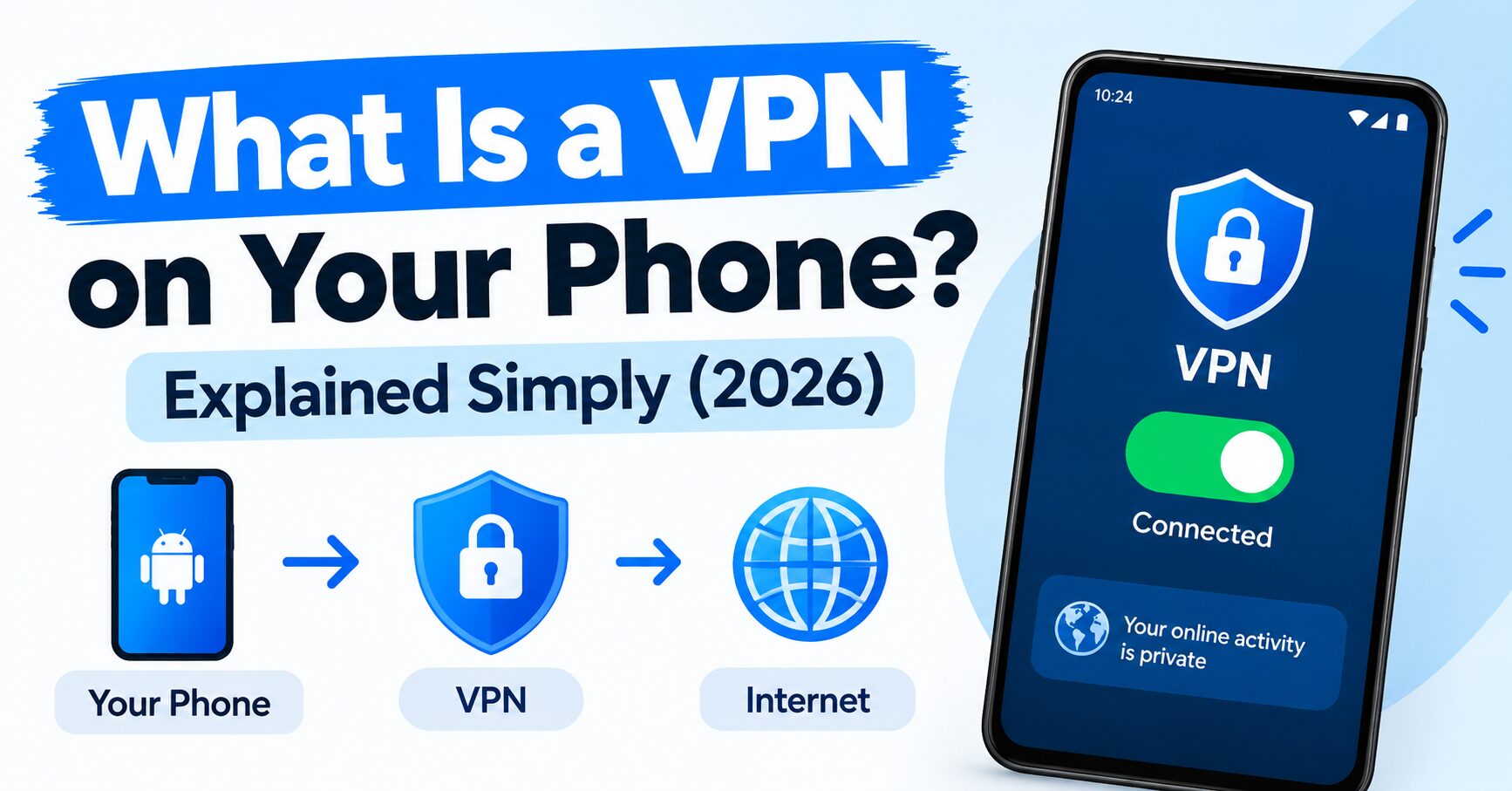
A VPN on your phone does two things. It hides your real IP address, and it encrypts the traffic leaving your device. That’s genuinely most of it. Everything else is VPN on Your Phone detail.
Your phone normally talks to the internet directly, and anyone watching that connection, your internet provider, the WiFi network at a coffee shop, can see where you’re browsing. A VPN routes that traffic through a separate server first, so what everyone else sees is the VPN’s location and address, not yours.
What That Actually Looks Like
Not theory. Here’s a real phone, connected.

Selected location: USA, Columbus. Status: Protected. A new IP address assigned, 46.173.252.72. Before this connection, the phone was showing its real network. After, it wasn’t.
We checked that this actually held up outside the app too.

A public IP lookup tool showed Columbus, Ohio, United States, same city the VPN claimed. That’s the whole trick, working exactly as advertised.
Why People Actually Use One
A few real reasons, not marketing reasons:
Public WiFi. Coffee shop, airport, and hotel networks are notoriously easy to snoop on. A VPN keeps your traffic encrypted even on networks you don’t trust.
Your internet provider seeing everything. Without a VPN, your provider can technically see every site you visit. With one, they see encrypted traffic going to a VPN server, and that’s it.
Accessing content tied to a different region. Some apps and streaming services behave differently depending on what country your IP suggests you’re in.
Just not wanting your exact location tied to your browsing. Sometimes the reason is simply preferring not to be tracked by default.
What a VPN Doesn’t Do
Worth being honest here. A VPN doesn’t make you anonymous online, it makes you harder to casually track, which isn’t the same thing. It doesn’t stop a website from knowing who you are if you log into an account. It doesn’t remove ads baked into an app’s own code. And it won’t fix a slow internet connection, sometimes it adds a little overhead itself.
Is the Icon Always On?
No, and this trips people up. That key or shield icon only shows when the VPN is actively connected. If you close the app or your phone restarts, most VPNs disconnect unless you’ve turned on auto-connect. Worth checking that setting if you want it running by default rather than remembering to open the app every time.
Do You Actually Need One?
If you regularly use public WiFi, or you just don’t like the idea of your internet provider logging every site you visit, yes, it’s worth having. If you mostly use your own home WiFi and don’t have specific privacy concerns, it’s less urgent, though plenty of people still run one out of habit at this point.
Quick Answers
What does a VPN actually do on my phone?
It hides your real IP address and encrypts your internet traffic, making it harder for your network or provider to see what you’re doing or where you’re really located.
Is a VPN the same as being completely anonymous?
No. It hides your IP and encrypts traffic, but websites you log into can still identify you, and it doesn’t erase all forms of tracking.
Why does my phone show a key icon when VPN is on?
icon is Android’s system indicator that a VPN connection is currently active. It disappears once you disconnect.
Does a VPN slow down my phone’s internet?
Sometimes slightly, since your traffic takes an extra route through the VPN server. The difference is often small but can vary by server and connection.
Do I need a VPN if I only use home WiFi?
It’s less critical, but some people still use one for general privacy or to access region-specific content. On public WiFi, it matters a lot more.
Related:https://shieldnetlab.com/2026/09/25/how-to-connect-to-a-vpn-on-android-in/